

How to Download BC Poker App on Android
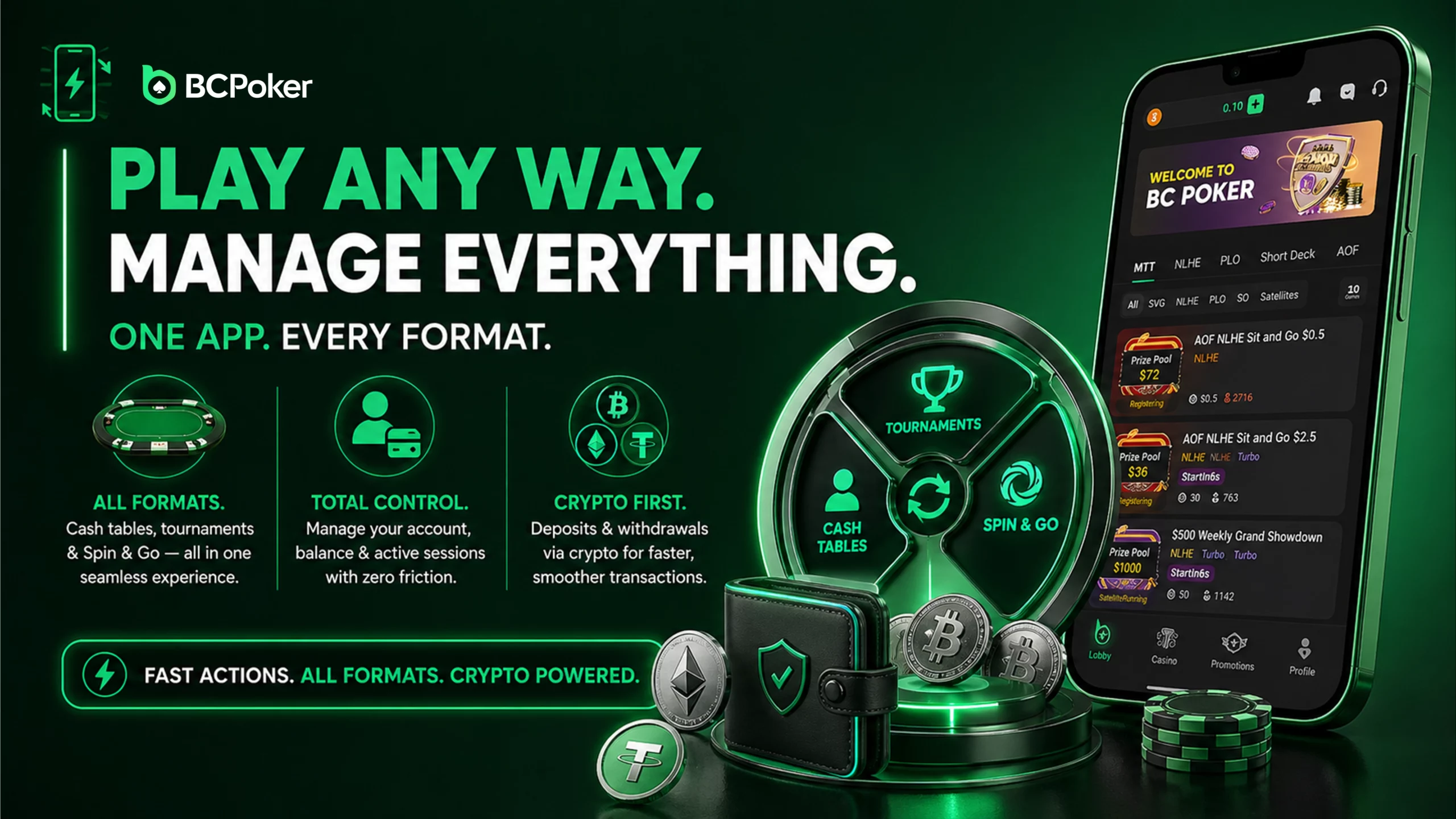
Switching between cash tables, tournaments and Spin & Go sessions happens from the same interface, without needing to jump to a separate menu. Account settings, balance and active sessions are all reachable from one screen. Deposits and withdrawals run through cryptocurrency, which keeps processing times short.
On Android, the app installs directly from BC Poker’s own site rather than through the Play Store. The installation file runs on Android 8.0 and above.
To install the BC Poker app download correctly, follow these steps.
- Open the official BC Poker website and go to the download section.
- Select the Android version and download the APK file.
- Enable installation from unknown sources in your device settings.
- Open the file and start installation.
- Launch the app and log in or create a new account.
This method provides full access to all features, including tables, account management, and transactions.
How to Install the BC Poker APK Safely
BC Poker distributes the APK directly because some regions restrict gambling apps in official app stores. That can keep the Android download accessible in regions where it is not listed in the Play Store.
Download the file only from the official BC Poker website. Versions from third-party sources may be modified in ways that put your data or funds at risk. The official APK installs through standard Android permissions and doesn’t need root access.
- A safe install comes down to a few basics:
- remove older versions before installing an update.
- use only the official BC Poker download page;
- check that the file version is current;
- skip third-party APK repositories;
Preparing Your BC Poker App Before First Session
Before starting your first poker session, a few simple preparation steps can make the mobile experience more convenient. Checking account settings, reviewing available tools and adjusting notifications helps players navigate the application faster.
| Setup Step | Emoji | Benefit |
| Check account details | 👤 | Keeps profile information organized |
| Review notifications | 🔔 | Helps track important updates |
| Explore the lobby | 🎲 | Makes finding games easier |
| Check wallet options | 💰 | Provides quick access to account balance |
A short setup process allows users to become familiar with the application before joining tables.
How to Download BC Poker App on iOS
Downloading BC Poker on iOS is possible through two methods that provide the same functionality. The application is optimized for iPhone and iPad, ensuring smooth performance across devices.
To install through the App Store, follow these steps.
- Open the App Store and search for BC Poker.
- Select the official application and tap Get.
- Confirm installation using your Apple credentials.
- Open the app and log in or create an account.
If the App Store version is unavailable, you can still download BC Poker using Safari.
- Open the official BC Poker website in Safari.
- Tap Share and select Add to Home Screen.
- Confirm shortcut creation.
- Launch the application directly from your device.
Both methods provide full access to tables, transactions, and account tools.
BC Poker App Features
The app’s built-in tools are aimed at players running several tables at once and needing information quickly between hands.
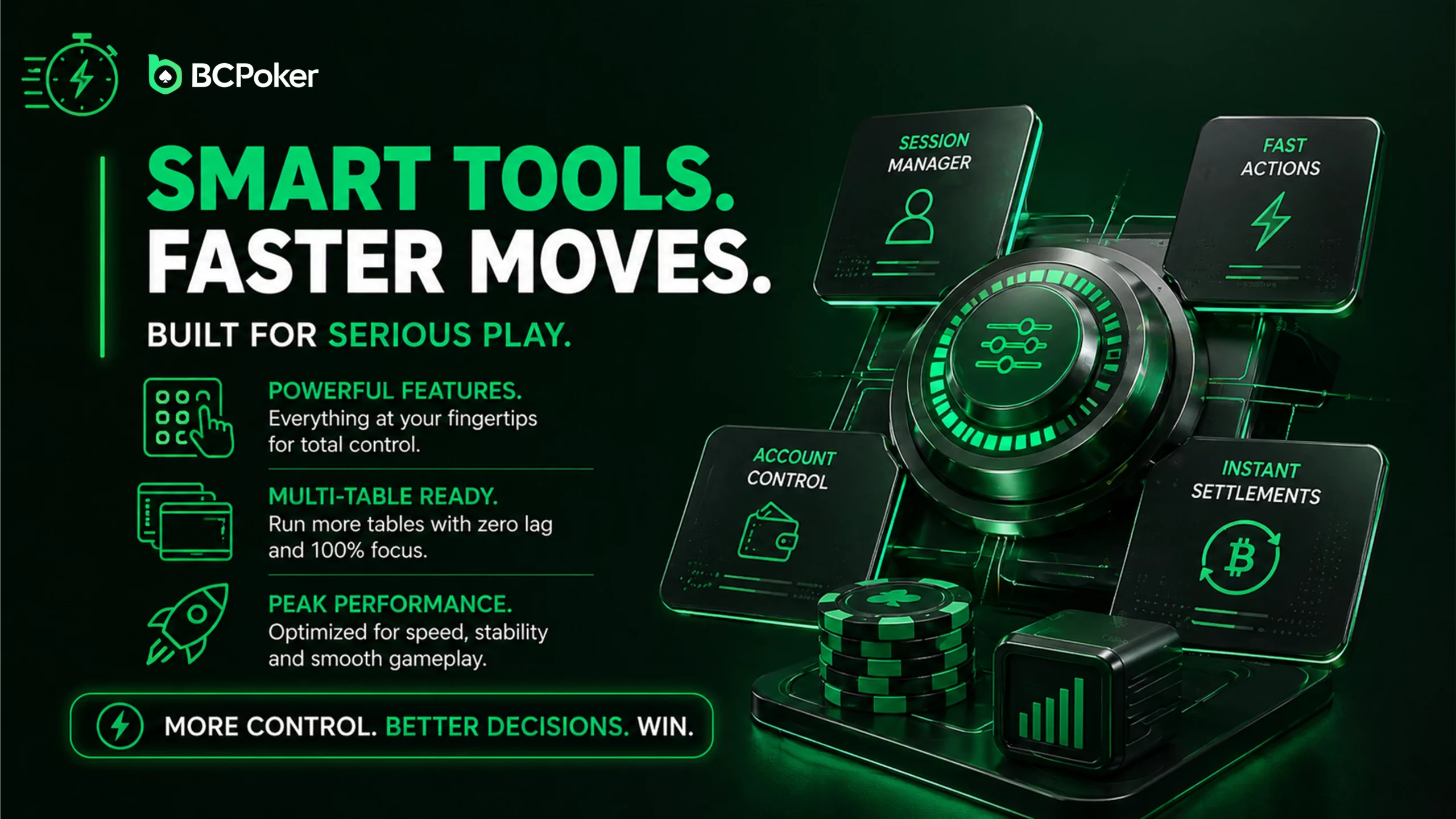
Running up to 4 tables at once is the headline feature, useful for players who want more hands per hour than a single table allows. Switching between active tables is instant and doesn’t interrupt a hand in progress.
Two tracking tools come built in. Hand history lets you review past actions at a table, and player profiles show stats like VPIP (how often a player voluntarily puts money into a pot) and PFR (how often they raise before the flop). Together, those two numbers give a rough read on whether someone plays loose or tight, and whether they’re the one raising or just calling along, without needing separate tracking software.
| Feature | 4 | Benefit |
| Maximum tables | 4 | Increased session volume |
| Available formats | 3 | Cash, tournaments, Spin & Go |
| Built-in statistics | 2 | VPIP and PFR indicators |
| Notification categories | 3 | Tournaments, promotions, updates |
External HUD tools aren’t supported. That keeps conditions equal for every player at the table.
BC Poker App Navigation and User Experience
The mobile interface is designed to keep the most important features within easy reach. Players can move between game formats, manage their account and monitor active sessions without unnecessary steps.
| Section | Emoji | Purpose |
| Game Lobby | 🏠 | Find cash games, tournaments and Spin & Go sessions |
| Active Tables | 🔄 | Switch between current games |
| Wallet | 💳 | Manage deposits and account balance |
| Profile | ⚙️ | Adjust personal settings |
The simple structure helps mobile users spend less time searching through menus and more time focusing on their poker sessions.
What Players Say About the BCPoker App



BC Poker App Security and Fair Play
Security here works on two fronts: how hands are dealt, and how the app itself is protected. Every hand is generated using cryptographic algorithms, and the result can be checked after the hand finishes.
The Provably Fair system runs on KECCAK-256 hashing, the same style of verification used across most provably-fair crypto games: a hash tied to the deck is available before or alongside the deal, so once a hand finishes, players can check the outcome against it instead of taking fairness on faith.
On the account side, automated monitoring analyzes gameplay patterns to flag bots and coordinated play between accounts; suspicious accounts get restricted. SSL encryption covers data transfers between the app and BC Poker’s servers.
| Security Layer | Numeric Indicator | Result |
| Hash length | 256-bit | Verifiable results |
| Reserve coverage | 100% | Funds backed by reserves |
| Authentication steps | 2 | Password and 2FA |
| Detection systems | 2 | Bot and collusion control |
Download BC Poker and Get a Welcome Bonus
The $5 no-deposit bonus is tied to app registration: verify your account after installing, and the $5 is credited automatically. From there, the first-deposit reward becomes available, while VIP rakeback of up to 50% is tracked automatically based on your activity and progression as you continue playing.
Push notifications are the other piece: the app alerts you to tournaments and limited-time offers as they go live, so you’re not relying on checking the site manually to catch a satellite or a freeroll before it fills.
How to Get Started With BC Poker App
New users can quickly move from installation to their first game by following a few basic steps. The app combines account management, game selection and transaction tools in one place.
| Step | Emoji | Description |
| Create account | 👤 | Register a new BC Poker profile |
| Complete setup | ⚙️ | Adjust settings and preferences |
| Choose a game | 🃏 | Select a suitable poker format |
| Start playing | 🚀 | Join tables through the mobile lobby |
Getting familiar with the main app sections makes the first sessions easier and improves overall navigation.